
Com Port Debug Software
Our COM port debugging software allows you to debug data transferred via a COM port and test external devices connected to it.
Download and Try Now!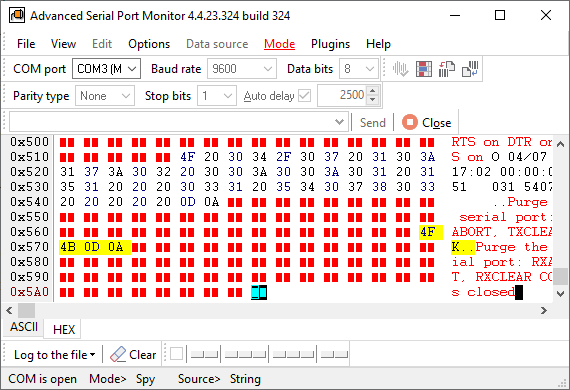

With this mode you can monitor data exchange between any external devices, connected to the com port and Windows applications.
Using the com port terminal mode, you can send and receive any data from the COM port to debug and diagnose your external devices.
Serial Port Monitor can display incoming and outgoing data in HEX, ASCII or binary formats.
We would offer a download for you to try. The trial version allows you to test all features of our software. The setup is quick and easy, and you will have the first results within minutes.
Live chat during working hours and email support for questions and technical issues.
Enjoy hassle-free connections with a wide range of COM ports and devices-real, virtual, USB-to-Serial, TCP-to-Serial, and Bluetooth.
Developed and supported since 1999. Every update is listed in the version history.
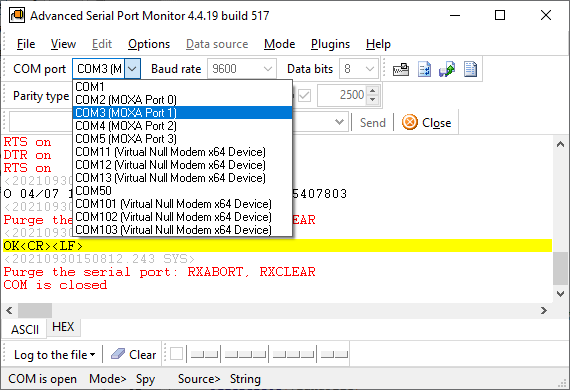
Pick the port from a list with device names, set the speed, click Open.
Standard baud rates up to 921,600 and user-defined rates. All port settings can be changed while the port is open.
Terminal to send by hand, Spy to watch another program's traffic, Automatic to send a file on a timer.