
Monitor a COM port on Windows
Capture both sides of a serial exchange in ASCII or hex and save a timestamped log.
Download and Try Now!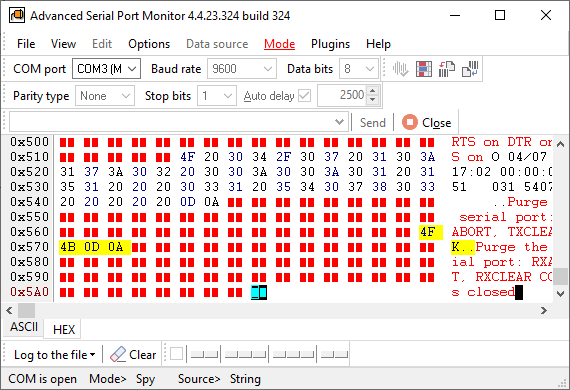

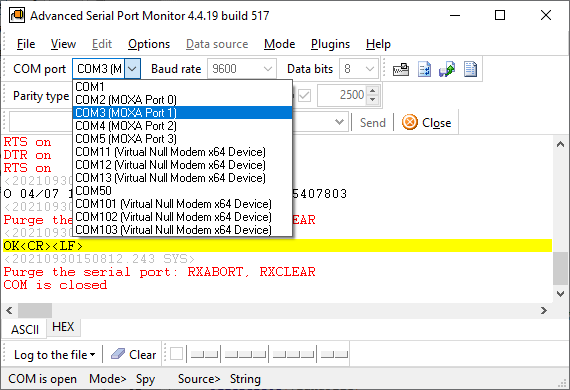
Select the device from the port list. When connecting to a device directly, match its baud rate, data bits, parity and stop bits.
To watch another Windows application, select Spy mode, open the port in the monitor, then start the application. Watch the exchange in ASCII or hex.
Use Log to the file to save the session. Timestamps help you match each request to its reply and spot pauses.
We would offer a download for you to try. The trial version allows you to test all features of our software. The setup is quick and easy, and you will have the first results within minutes.